
For managers
Keep properties, units and active tenancies in view. Give your team a clear place to pick up requests and see what’s coming up across the portfolio.
See the manager workspaceTenancy management for the UAE
A shared space for property managers, landlords and tenants to keep track of requests, documents and important dates, from move-in to move-out.
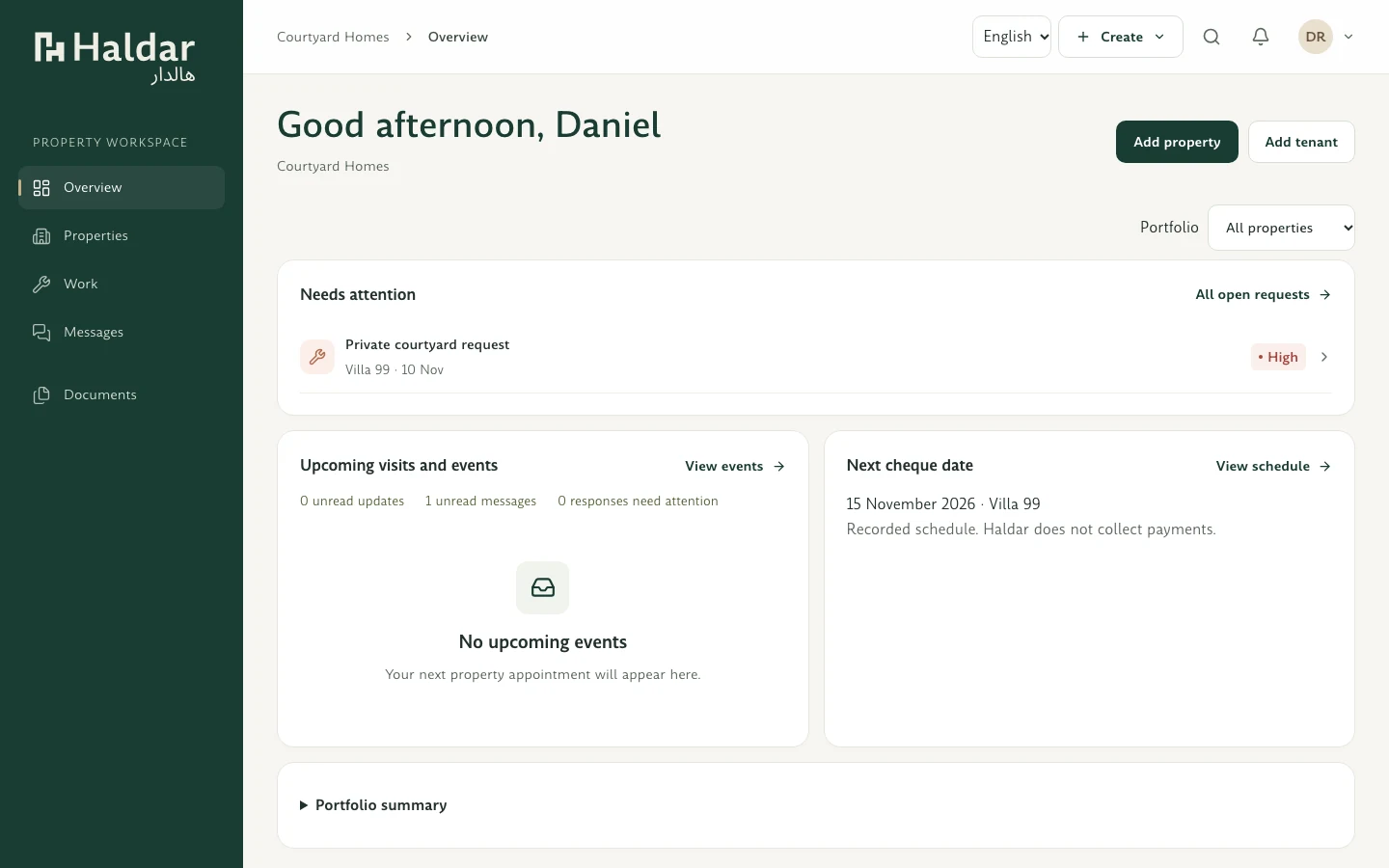
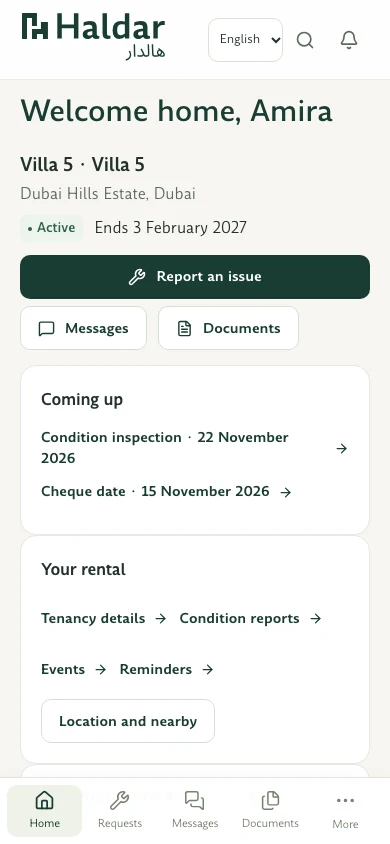
Keep updates and conversations together.
Find the documents and details you need.
See which tenancy dates are coming up.
Early access
Join our early access list and we’ll let you know when Haldar is ready.
Thanks for your interest. We’ve received your request. There’s nothing else you need to do now.
Managers and tenants
Managers can see what needs attention across their portfolio. Tenants can see what’s happening in their home.
Keep properties, units and active tenancies in view. Give your team a clear place to pick up requests and see what’s coming up across the portfolio.
See the manager workspaceMy Home brings your property details, conversations and documents into one place. Open it with an invitation from your landlord or property manager.
See the tenant workspace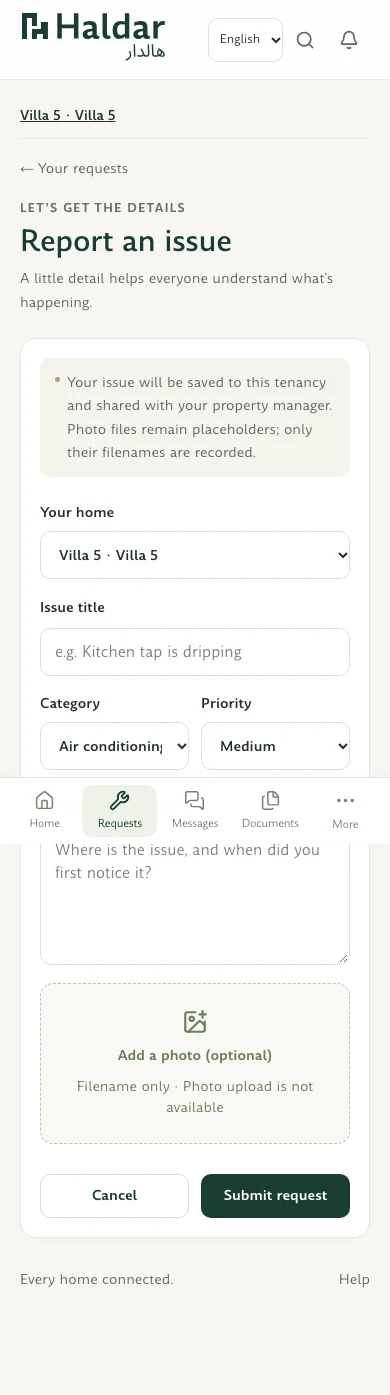
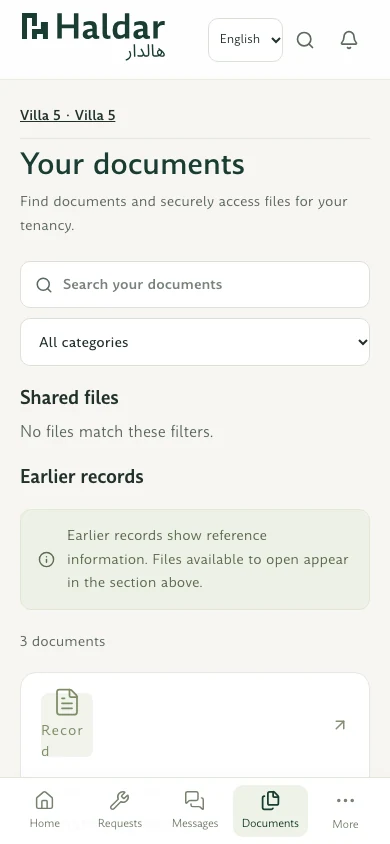
Inside Haldar
Report an issue, find a shared document or prepare for a handover. Each task has a place alongside the property and tenancy it belongs to.
Explore all featuresHow it works
Start with one property or have an organisation admin bring in your portfolio from a CSV or XLSX file.
Send an invitation for the right tenancy so each resident can open their own My Home workspace.
Follow maintenance updates, share files and keep track of inspections, handovers and upcoming dates.
Haldar is for landlords, property managers, property management companies and their tenants. It is designed first for tenancies in the United Arab Emirates.
An organisation administrator can use a CSV or XLSX template to import property and unit details. Haldar lets the administrator review the rows and fix issues before confirming the import.
Use the invitation provided by your landlord or property manager when customer access is open. It connects you to your tenancy.
Find the right entry point for your role and check the current access status.