
For tenants
Your tenancy, close at hand.
My Home brings your property details, conversations and documents into one place. Open it with an invitation from your landlord or property manager.
Check tenant access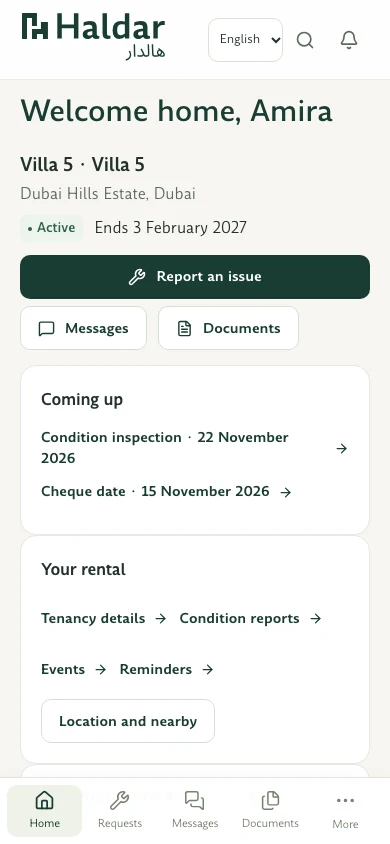
Find what you need for your home.
-
See your home and tenancy details
Open My Home for the property information and tenancy details your manager has shared.
-
Find shared documents
Search the files available for your tenancy, including shared documents and condition reports when available.
-
Report a maintenance issue
Describe what needs attention, add photos if useful and follow updates to the request.
-
Keep the conversation in one place
Use messages to stay in touch with your property manager about your tenancy.
-
Prepare for visits and handovers
Check upcoming dates, review inspection records and see the steps for move-in or move-out.
-
Get to know the area
See your home’s location and explore nearby places and neighbourhood information where available.
Looking for your Haldar workspace?
Find the right entry point for your role and check the current access status.