
For landlords and property managers
Know what needs your attention.
Keep properties, units and active tenancies in view. Give your team a clear place to pick up requests and see what’s coming up across the portfolio.
Check manager access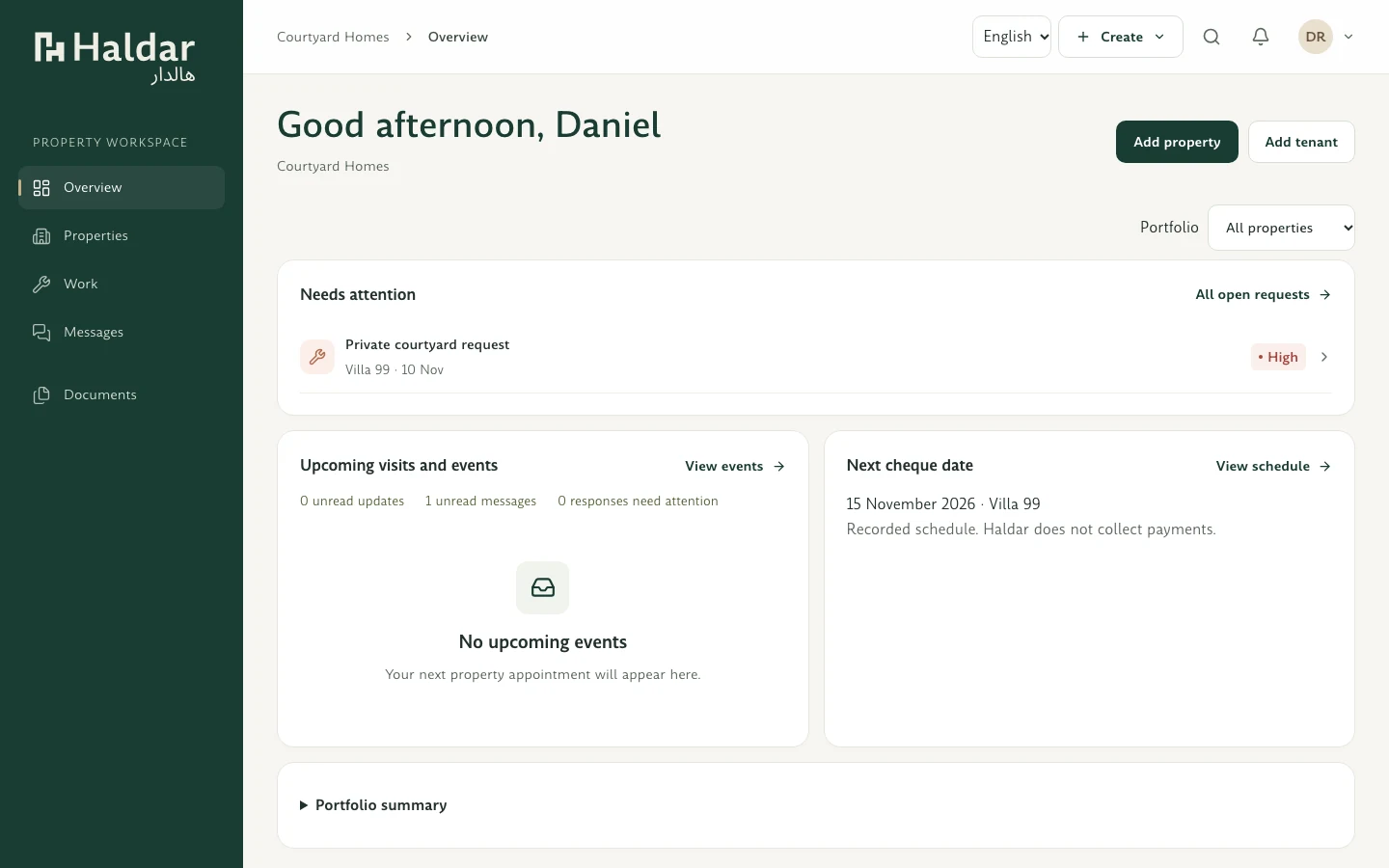
Run your portfolio from one workspace.
-
Bring your portfolio together
Add properties and units individually, or have an organisation admin review and import your portfolio from a CSV or XLSX file.
-
Invite tenants and assign your team
Invite residents to the right tenancy and assign team members to the properties they look after.
-
Follow maintenance requests
Review what tenants report, update the request as work progresses and keep the conversation with the tenancy.
-
Record inspections and handovers
Use condition reports and guided move-in and move-out checklists to keep a record of what was reviewed and handed over.
-
Keep renewal decisions in view
Prepare a renewal proposal, review the tenant’s response and confirm the next tenancy when it’s ready.
-
See what needs a follow-up
Use the Portfolio Action Centre to find items that need attention and see upcoming dates and reminders.
Looking for your Haldar workspace?
Find the right entry point for your role and check the current access status.